Parental Control Settings for TikTok for 2025 (Quick Guide for Busy Moms)
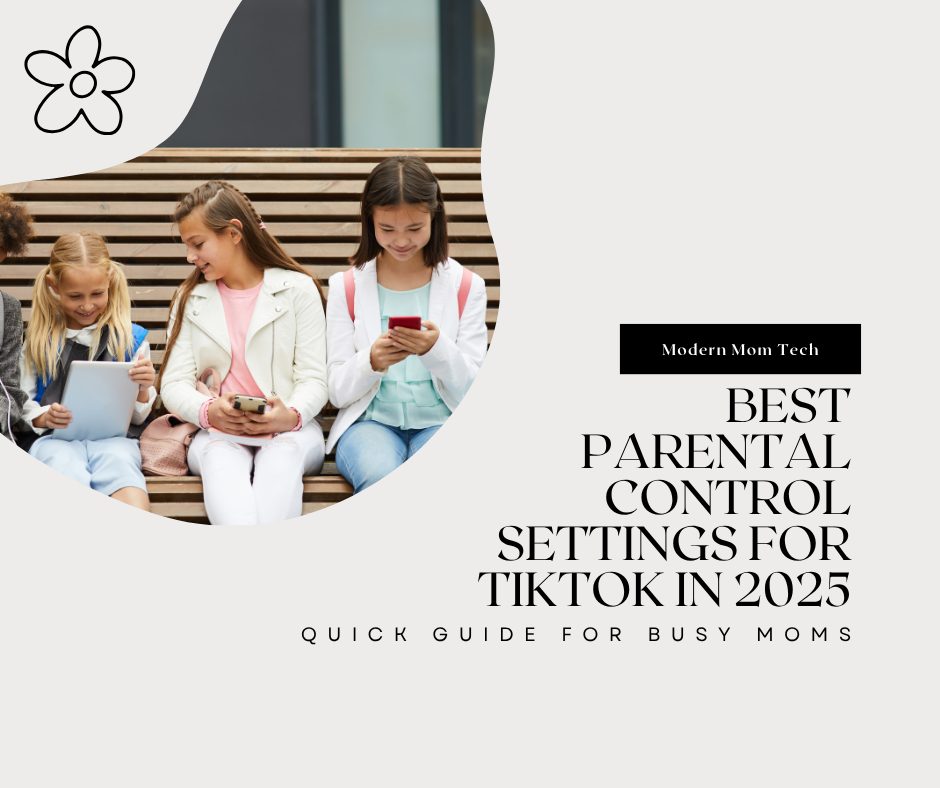
Best Parental Control Settings for TikTok in 2025 (Quick Guide for Busy Moms)
If your kid is like mine, they are begging you to let them have a TikTok account. But if you are like most parents, you have your doubts. How will you keep them safe? Would if they see something they are not supposed to see? What if a predator tries to contact them? Well, TikTok has some built-in management tools for parents to help keep their kids safe. Below are some tips that will highlight some of the settings TikTok has to offer.
Why TikTok Safety Matters More Than Ever
TikTok has some amazing content, but like anything else, there can be a negative side. TikTok can expose your child to mature content, stranger danger, and mindless scrolling. Knowing what parental controls are available will help you keep your child safe.
Below are some settings and tools you can use to control your child’s access on TikTok and help to keep them safe.
Turn On TikTok’s Family Pairing Feature
Family Pairing links your account to your child’s TikTok. This allows you to manage their settings.
How to Turn It On
- Open TikTok on your phone.
- Go to Settings & Privacy → Family Pairing.
- Repeat on your child’s phone.
- On your phone, select Parent and select Next, and on your child’s phone, select Teen then select Next.
- Scan the QR code on the parent screen to link the accounts.
The 5 Most Important Safety Settings Parents Should Enable
1. Screen Time Limits
Set daily time limits so kids aren’t scrolling all night.
- Go to Family Pairing → Screen Time
- Set a daily limit
2. Restricted Mode
This setting helps to filter out mature content. It can also be managed via Family Pairing.
3. Direct Messages
DMs are automatically disabled for users under 16, but double-check:
- Go to Settings and Privacy
- Go to Privacy → Direct Messages
- Set to “Request” or “Don’t Receive.”
4. Comment Controls
Pick who can comment on your child’s videos:
- Friends only
- Turn off Allow Comments
5. Content Filters
Block words, hashtags, or topics from your child.
Turn Off These Risky Features
Keep your child’s info private with these settings:
- Disable video downloads
- Make your child’s account private
Talk to Your Child About TikTok Safety
It’s best to have an open and honest conversation with your child about online safety.
Try this approach:
“I want you to enjoy TikTok, but I need to make sure you are safe.”
Simple, cool, and truthful.
Final Thoughts
You want your kids to have fun with TikTok. It only takes a few minutes to set safe boundaries for your children. But they will make a world of difference for your child’s safety.